
Blog · Application Delivery | Load Balancing

F5 Distributed Cloud Services – DCS WAF API Protection
The backbone of the modern application landscape, F5 DCS has options for API protection & secured from malicious traffic.
In our previous article, we covered the basics of the F5 Distributed Cloud WAF. If you haven’t had a chance to read it, please do us a favor and check it out. We cover the basics of the Web App & API Protection there. In this article, we will cover some of the details around more advanced API protection options.
API Protection –
APIs carry much of today’s application traffic and deserve their own targeted protection. F5 DCS doesn’t disappoint in this regard, with numerous options for keeping those APIs secured from malicious traffic.
API Definitions/Rules/Service Policies – For those needing explicit filters
The F5 DCS Platform has native support for importing your OpenAPI Spec (Swagger) docs. It then consumes them for understanding and protecting APIs. This is a good option if you want to explicitly limit access to defined API calls. You can also appropriately classify and control access to different APIs.
Using API Definitions requires the following configuration in the console (Also available via the API):
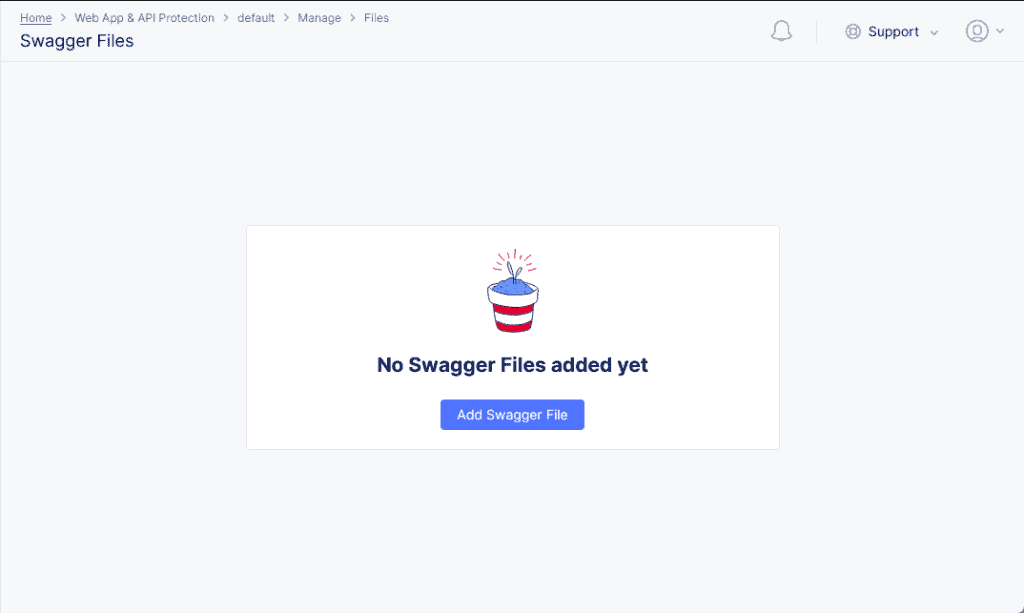
- Files -> Swagger Files: Here in the console you will upload and manage your OpenAPI Spec (Swagger) files. Once the Swagger Files have been loaded into the system, they can be consumed by API Definition configurations.
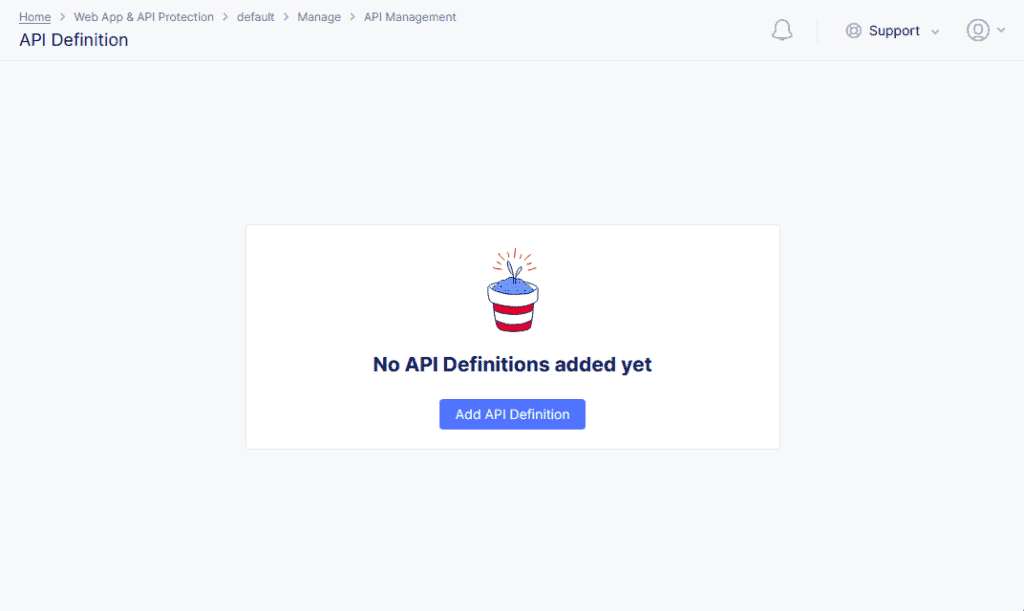
- API Management -> API Definitions: The console location to assign a name and optional label for the APIs documented in one or more Open API (Swagger) specs. This is the glue that associates multiple Swagger files to an API definition inside of the platform. Once your API is defined, you can use those definitions on Load Balancers, in API Protection Rules, or in Service Policies to filter and secure traffic.
Once your API Definitions are in place you can use them in multiple ways via the following configurations:
- Load Balancer API Definitions: This attaches your API definitions to a load balancer. This allows the Load Balancer to understand and appropriately classify API traffic based on your Open API Spec (Swagger).
- Service Policies: Once you have your APIs defined, you can use a service policy attached to a load balancer to enforce API schema. This configuration can be as simple as only allowing documented API calls. It can also be as advanced as restricting access based on the classification of the API endpoints. For example: allowing user actions from all sources, but admin access from only validated sources.
- API Rate Limiting: While API Rate limiting does not require an API Definition, it is helpful when configuring rate-limiting policies. This can be very useful when you need to ensure that certain, expensive endpoints do not get overrun by traffic. When you have API Definitions loaded into the system, it will allow you to quickly craft configuration by referencing defined endpoints as compared to manually defining them when you do not have API Definitions configured.
- API Protection Rules: Like API Rate limiting, API Protection Rules do not require an API Definition, but they can make rulesets far simpler to configure. API Protection Rules have some overlap with Service Policies but can be more flexible where you have a load balancer that processes both API calls and non-API traffic such as the browser traffic that would use the API on the back end. These rules are analogous to simple filters that either deny or allow classes of API calls based on the client source, reputation, TLS Fingerprint, or other criteria that can be defined such as request headers, cookies, or query parameters.
Without API Definitions – Otherwise known as the undefined
The F5 DCS platform has some tools that can be used when you don’t have your APIs well defined, need confirmation of their definition, or when using 3rd party products in your stack that do not include API definitions. These tools fall under the more powerful AI/ML side of the DCS platform that are grouped together to form the “Behavioral Firewall”. While there are more components than just API, we will be focusing on the API bits here. The good news is that these tools can also be combined with APIs that you have defined on the platform. They can provide deeper analytics as well the discovery of anything that might not be well-documented.
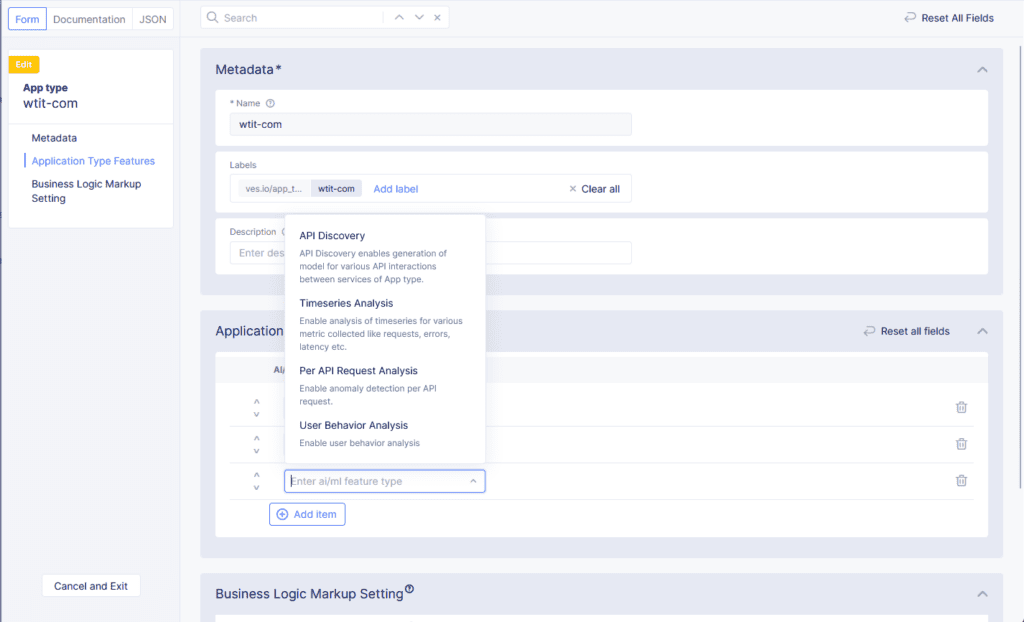
API Endpoint Learning – The AI/ML engine within DCS supports API Endpoint Markup and Analysis covering the following metrics
- Dynamic Discovery of all API Endpoints
- Monitoring performance and trends for APIs
- Determining which APIs should only be between a set of services and tightening security to only allow these APIs
- Obtaining insights around commonly hit APIs and the associated request sizes
API Schema Learning – The AI/ML engine within DCS will start to learn the schema of each API by reverse-engineering the API calls it samples to generate a schema. It can also start to detect fields that might contain PII. Once an API has been learned or modeled, you can also download the generated Open API (Swagger) spec at the following levels.
- HTTP Load Balancer
- App Type
- Per API
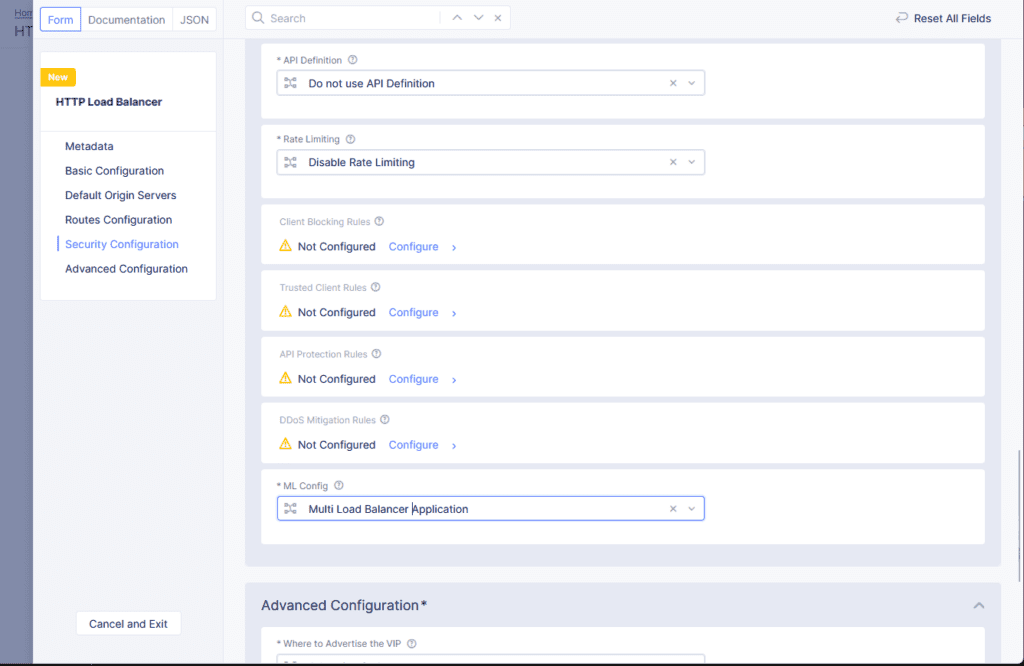
These features can be enabled on a per load balancer basis by using the Single Load Balancer Application ML Config Section when configuring a load balancer. Yet, we prefer to use the Multi Load Balancer Application approach by defining application types and then appropriately tagging the Load Balancer(s). This provides more control over the configuration which can be important when enabling other AI/ML features on the platform.
Hopefully, this post has been informative about some of the advanced API features on the F5 DCS platform. If you are interested in a discussion an on how F5 DCS can help you protect your API as well as a demo of the platform, please contact us!